
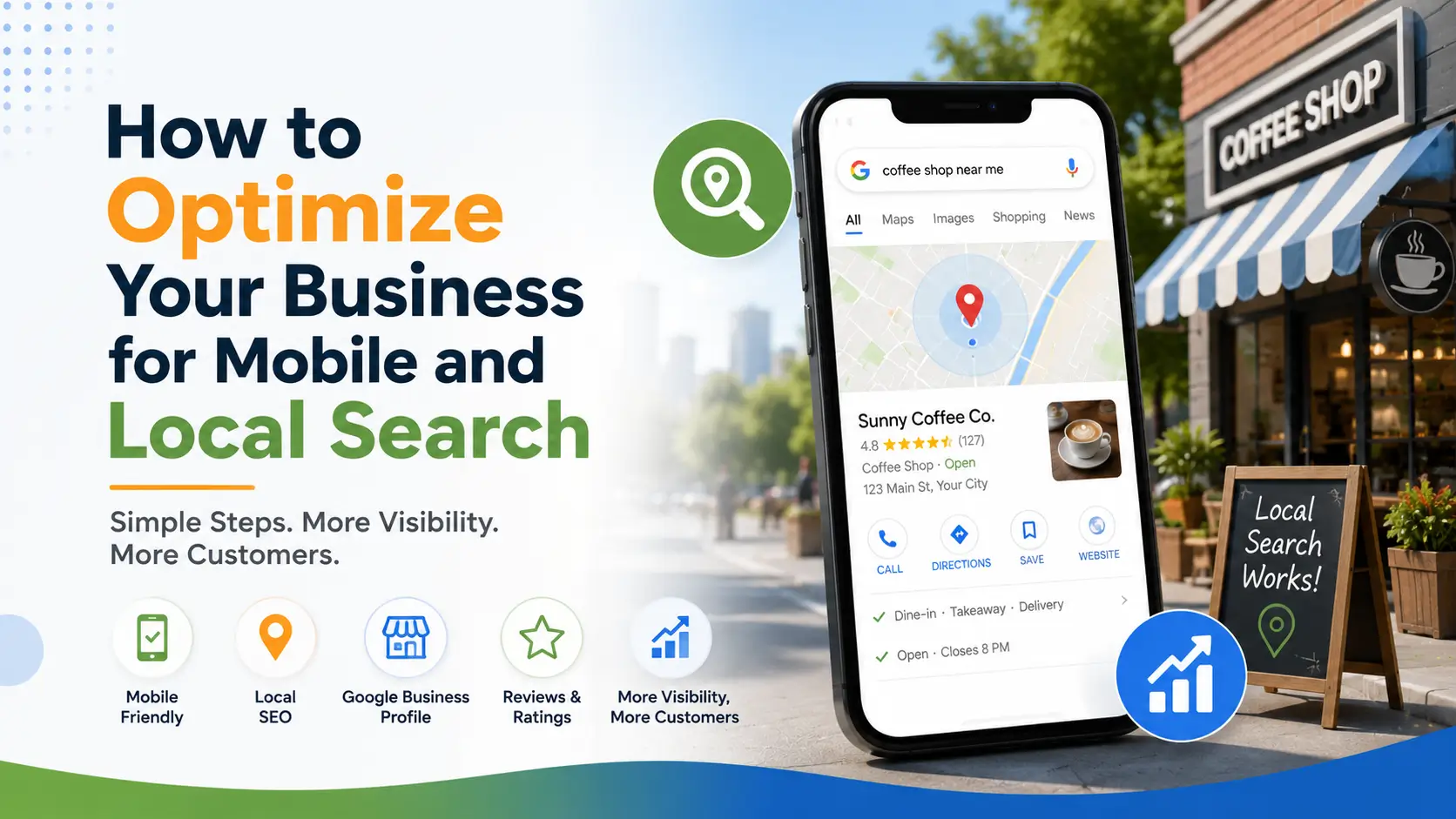
How to Optimize Your Business for Mobile and Local Search
At this very moment, someone within a few miles of your business is probably pulling out their phone and searching for exactly what you offer. Whether you capture that customer often comes down to a handful of details that take minutes to fix but make an outsized difference.
Confirm your hours are actually correct
Nothing frustrates a mobile searcher faster than showing up to a business that’s closed when the listing said it would be open. Double-check your hours, including holidays and seasonal changes, since this single detail can be the difference between a visit and a lost customer.
Make your phone number tappable, not typable
A mobile shopper isn’t going to memorize or manually dial a number if they can help it. A properly formatted, tap-to-call phone number removes friction at exactly the moment a customer is most ready to reach out.
Keep your address pin-accurate
A slightly off map pin can send a walking or driving customer to the wrong building entirely, especially in dense areas or strip malls. Take a moment to confirm your listed address drops a pin in the right spot, not just the right street.
Answer the question before it’s asked
Mobile searchers move fast and rarely dig for details. If parking, entrance location, or appointment requirements matter, say so directly in your listing. Anticipating these small questions keeps a nearby customer moving toward you instead of pausing to search elsewhere for answers.
Conclusion
None of this requires a redesign, just a few honest minutes reviewing your Nearby Business Finder listing through the eyes of someone standing three blocks away with their phone in hand. Get these details right, and you’ll be ready every time a nearby search turns into a real opportunity.
Frequently Asked Questions
Why does mobile matter so much for local search?
Most near-me and local searches happen on a phone, often while someone is already out and about, so a listing that's slow or hard to use on mobile can quietly cost you customers.
What's a tap-to-call button and do I need one?
It's a phone number formatted so a mobile visitor can call you with a single tap instead of dialing manually. It's a simple addition that removes friction at the exact moment someone is ready to reach out.
How do I make sure my address is accurate?
Check that your listed address places the map pin at your actual entrance, not just the correct street, especially if you're in a shopping center or multi-suite building.